30.6% of home pages had empty buttons (WebAIM Million 2026)
4.1.2 Name, Role, Value
In Plain Language
4.1.2 Name, Role, Value (Level A) requires that for every UI component -- form elements, links, and any control generated by scripts -- the name and role can be programmatically determined; the states, properties, and values that a user can set can also be programmatically set; and notification of changes to any of these is exposed to user agents, including assistive technologies[1].
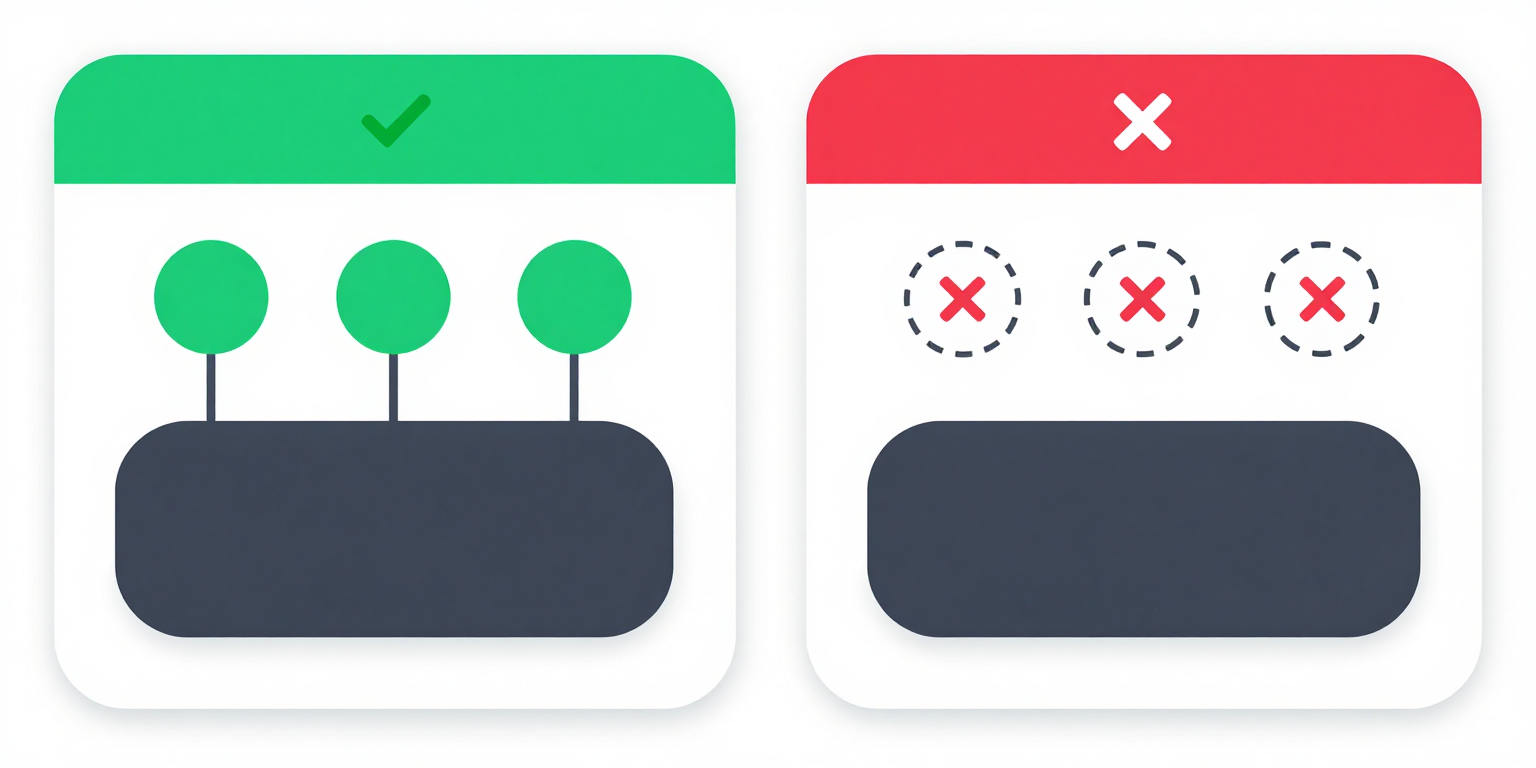
Native HTML elements satisfy 4.1.2 by default. A <button> has role=button, takes its accessible name from its text content, and has its focused and pressed states managed by the browser. Custom widgets built from <div> and <span> expose none of that and must add ARIA to supply name, role, value, state, and change notification.
Why It Matters
- A screen reader reads a control by querying the platform accessibility tree for its role, accessible name, and current state. A
<div onclick="save()">Save</div>has no role and no focusable state, so the tree records it as a text node -- assistive technology cannot announce it as a control at all. - Accessible name is computed from a specific cascade (
aria-labelledby, thenaria-label, then the element's labelling mechanism, then text content). An icon-only<button>✕</button>with no label resolves to an empty accessible name, so the control is announced only by its role. - State must update in the accessibility tree, not just in the DOM class list. A toggle that flips a
.is-onclass but never updatesaria-pressedlooks "on" visually and reports "off" to assistive technology. - 4.1.2 is the foundational success criterion for the entire WAI-ARIA pattern library. When native elements cannot express the required interaction, the WAI-ARIA Authoring Practices Guide specifies, for each widget, the exact role, required ARIA attributes, and state-management contract needed to meet 4.1.2[2].
- WebAIM Million 2026 found empty buttons on 30.6% of the top 1,000,000 home pages -- controls that render visually but expose no accessible name to the platform accessibility tree[3].
Examples
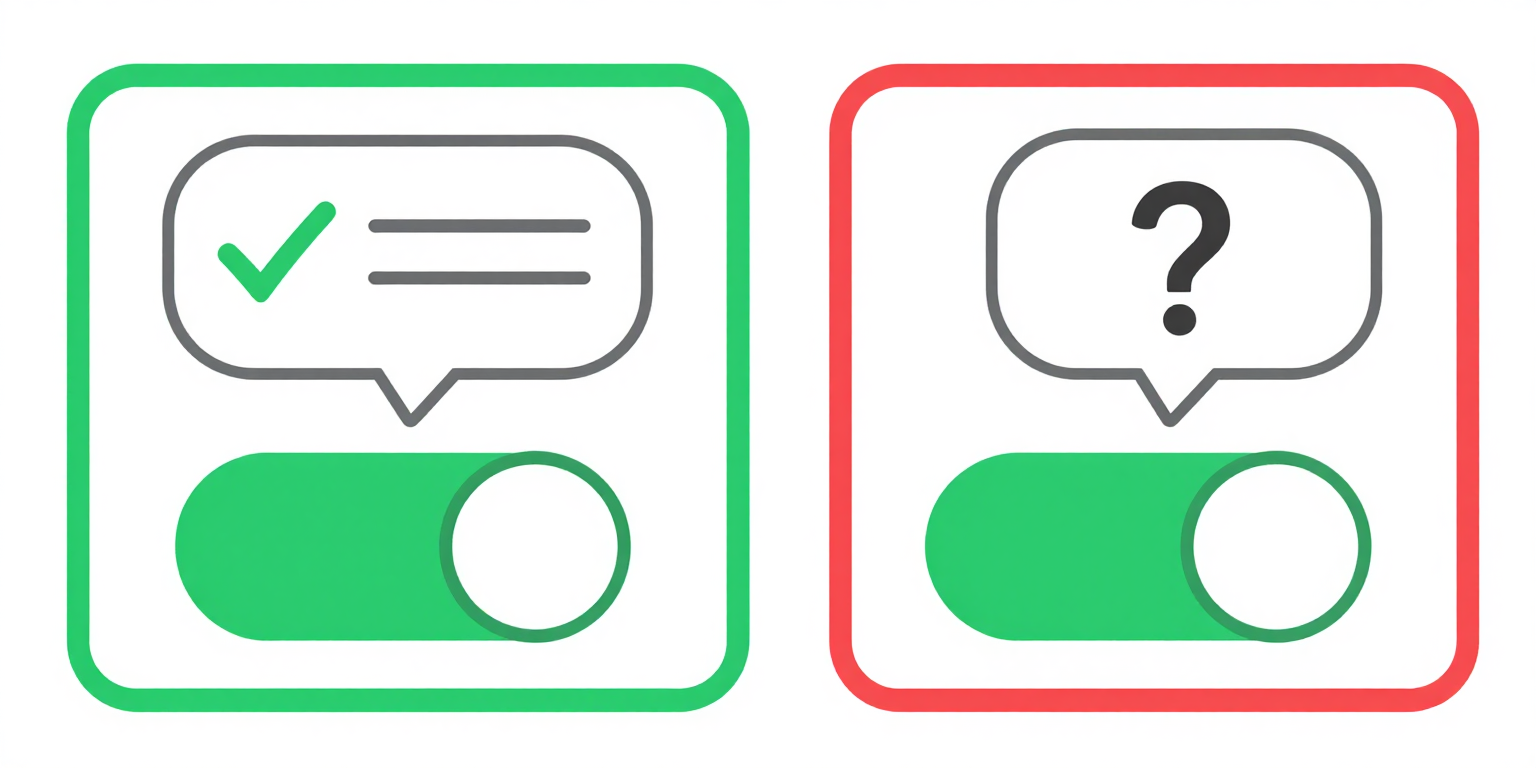
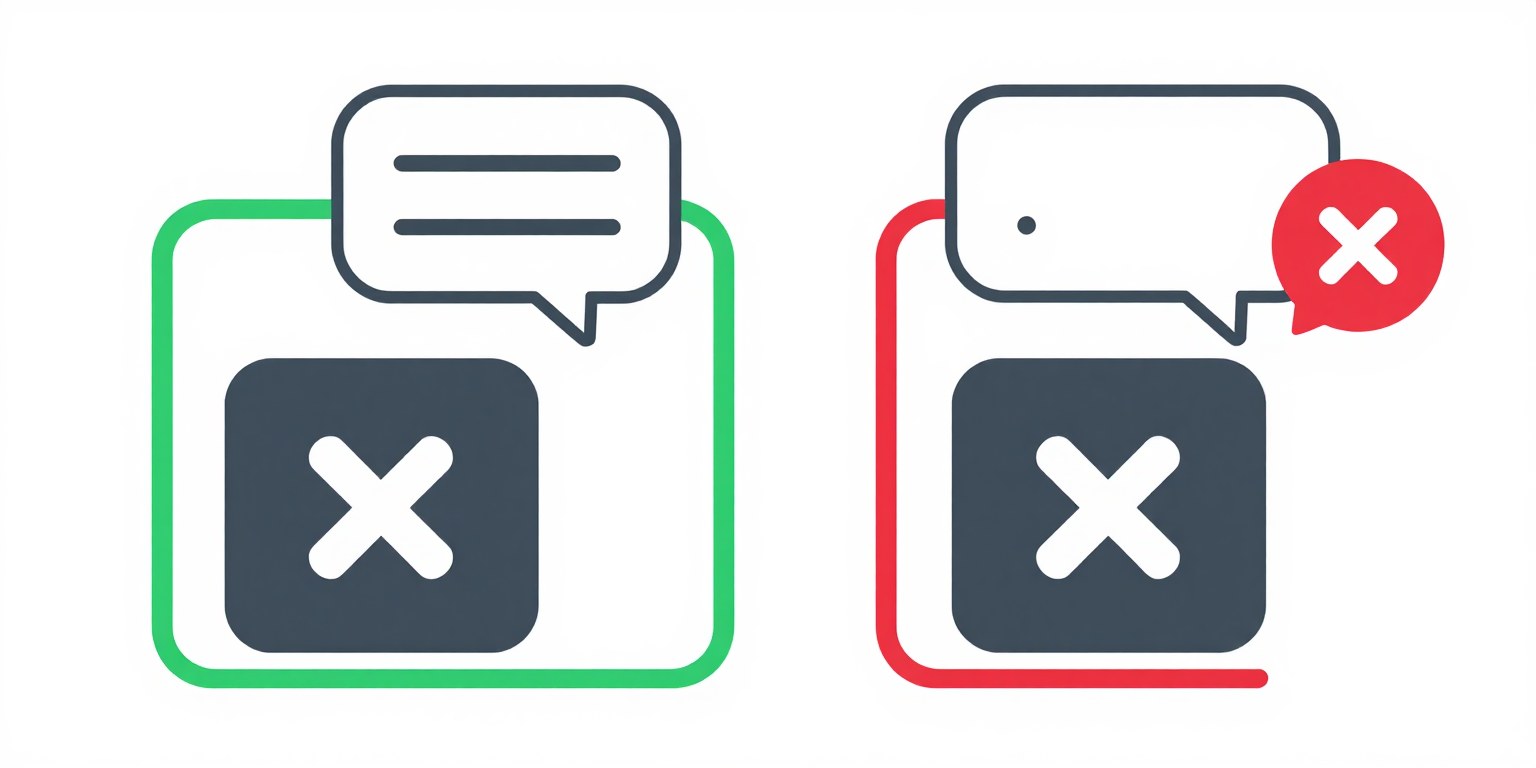
✔ Native button -- name, role, and keyboard support built in
<button type="button">Save Changes</button>
<!-- Name: "Save Changes" (from text content) -->
<!-- Role: button (native element) -->
<!-- Keyboard: focusable, activates with Enter/Space -->✘ div has no role, no keyboard access, no accessible name
<!-- FAILS: no role, not focusable, no keyboard handler -->
<div class="fake-btn" onclick="save()">
  Save Changes
</div>
<!-- Screen reader: just reads "Save Changes" as text -->
<!-- Keyboard: cannot Tab to it or activate with Enter -->✔ aria-label provides the accessible name for icon-only button
✘ No aria-label -- screen reader may announce nothing or just the symbol
How to Fix It
- Apply the First Rule of ARIA Use: prefer a native element. If a
<button>,<a href>,<input>,<select>, or<details>can do the job, use it. Native elements supply role, accessible name computation, keyboard behaviour, and focus handling without any ARIA at all, and satisfy 4.1.2 by construction[1]. - When a custom widget is unavoidable, follow the APG pattern for its role. The WAI-ARIA Authoring Practices Guide specifies, for each widget type (button, switch, combobox, listbox, tabs, dialog, tree, grid), the required role, the ARIA properties and states that must be present, and how those states must change on user interaction[2]. Do not invent a pattern -- match an existing one.
- Give every interactive element a non-empty accessible name. For controls with visible text, the text content is the name. For icon-only controls, add
aria-labelor reference visible text viaaria-labelledby. For form fields, associate a<label>viafor/id. Do not rely ontitle-- it is not exposed reliably across platforms. - Expose value and state, not just visual styling. Use
aria-expandedon disclosure triggers,aria-pressedon toggle buttons,aria-checkedon custom checkboxes and switches,aria-selectedon listbox and tab options, andaria-valuenow/aria-valuemin/aria-valuemaxon sliders. Update the attribute in the same handler that updates the visual state. - Notify assistive technology of changes. 4.1.2 requires notification of changes to name, role, and state -- not just that the attribute is correct at load. Toggling
aria-expandedoraria-pressedin the DOM is enough; the browser fires the accessibility event. Replacing a control wholesale withinnerHTMLor swapping its role mid-interaction is not -- screen readers may miss the change. Mutate in place. - Do not override a native role with ARIA unless you mean it.
<button role="link">replaces the button role with link in the accessibility tree and loses the button's Space-key activation. Overriding a native role is almost always a bug.
References
- [1] W3C (2023). Understanding Success Criterion 4.1.2: Name, Role, Value. W3C, Accessed 2026-04-07. https://www.w3.org/WAI/WCAG22/Understanding/name-role-value.html ↩ ↩
- [2] W3C (2024). WAI-ARIA Authoring Practices Guide. W3C, Accessed 2026-04-07. https://www.w3.org/WAI/ARIA/apg/ ↩ ↩
- [3] WebAIM (2026). The WebAIM Million: An accessibility analysis of the top 1,000,000 home pages. WebAIM, Accessed 2026-04-07. https://webaim.org/projects/million/ ↩