Without a skip link or landmarks, keyboard users Tab through every header and nav link on every page before reaching content.
2.4.1 Bypass Blocks
In Plain Language
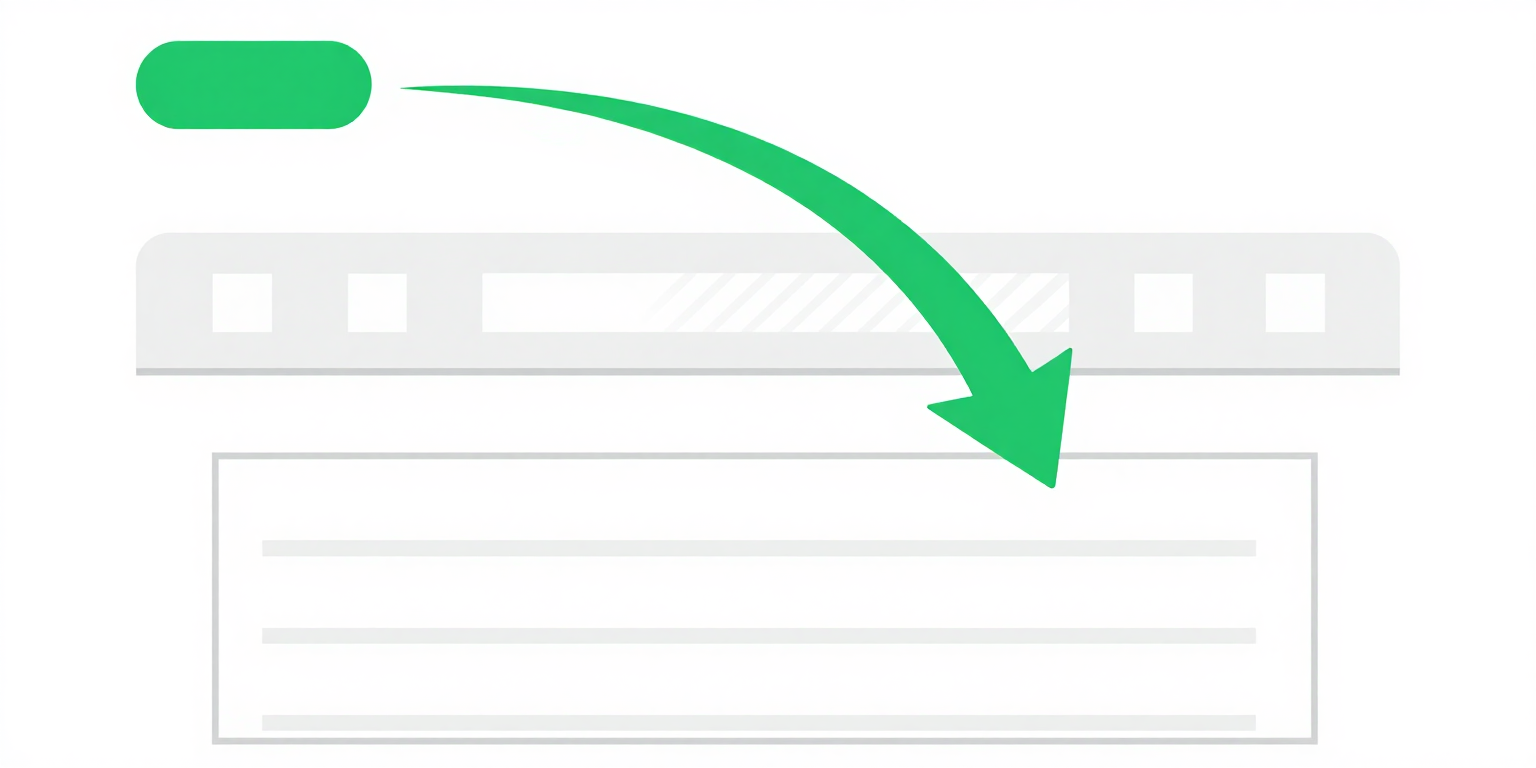
2.4.1 Bypass Blocks (Level A) requires a mechanism to skip past content that repeats on multiple pages -- typically the header, primary navigation, sidebar, and footer -- and land directly on the main content[1].
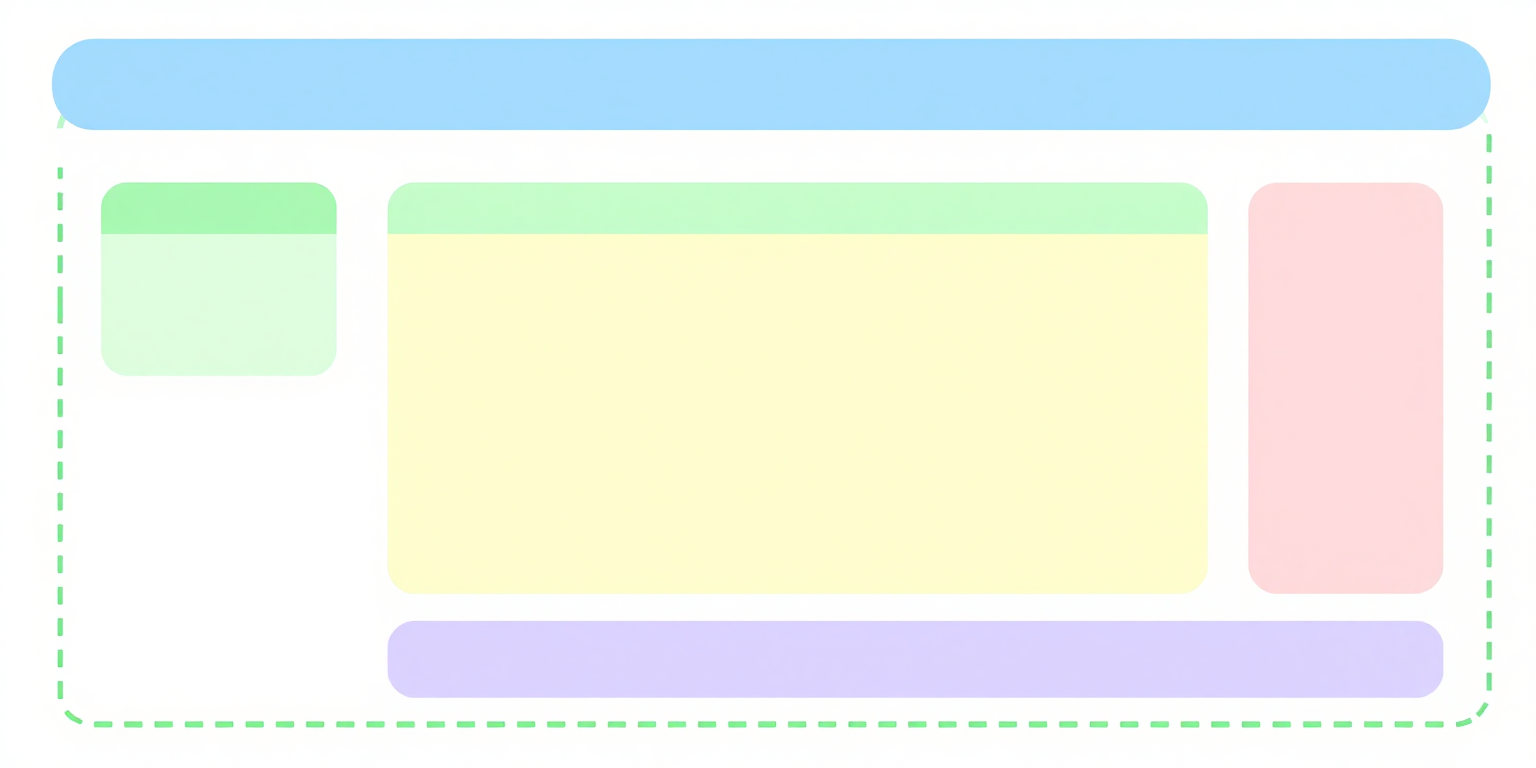
Three implementations satisfy the criterion: a "Skip to main content" link as the first focusable element on the page, HTML5 landmark elements (<header>, <nav>, <main>, <aside>, <footer>) that screen readers expose through landmark shortcut keys, or <h2> headings on each page section that screen readers reach through heading shortcuts. Most production sites ship the skip link and the landmarks together, because each serves a different assistive technology path.
Why It Matters
- Keyboard-only users move focus one element at a time with Tab. A page with 30 links in the header and primary navigation forces 30+ Tab presses on every page load before focus reaches the main content -- the skip link collapses that to one Tab and one Enter.
- Screen reader users hear the same header and nav announced on every page in the site. Without landmark elements, the screen reader has no structure to jump over; with
<main>present, the reader can press the landmark shortcut (D in NVDA, VO+U in VoiceOver) and land on content directly. - Users with motor disabilities pay a per-keypress cost in fatigue and error rate. Every Tab press they do not have to make is a concrete reduction in the effort required to reach the page they asked for.
- Switch users and users driving the browser by voice inherit the keyboard tab order -- if the tab order has no bypass, their interface has no bypass either.
Examples
<a href='#main-content' class='skip-link'>Skip to main content</a>
<nav>...navigation...</nav>
<main id='main-content'>...content...</main>
✔ Skip link visible on focus, jumps past navigation to main content
<body>
  <a href="#main-content" class="skip-link">
    Skip to main content
  </a>
  <header>
    <nav aria-label="Main navigation">...</nav>
  </header>
  <main id="main-content">
    <!-- Page content here -->
  </main>
</body><div class='header'><div class='nav'>...30 links...</div></div>
<div class='content'>...page content...</div>
✘ No skip link, no landmark elements -- keyboard users must tab through everything
How to Fix It
- Add a skip link as the first focusable element in
<body>. Place it before the header markup so the first Tab press after page load puts focus on the link. The link target is theidon the main content container:<a href="#main-content">Skip to main content</a>. - Hide it visually, reveal it on focus. The common CSS pattern moves the link off-screen and slides it back on keyboard focus, so sighted mouse users never see it and keyboard users do:
Avoid.skip-link { position: absolute; top: -40px; left: 0; background: #000; color: #fff; padding: 8px 16px; z-index: 100; } .skip-link:focus { top: 0; }display: noneandvisibility: hidden-- both remove the link from the tab order, which defeats the mechanism. - Mark the target with a real landmark and an
id. Use<main id="main-content">. The<main>element gives screen reader users a landmark shortcut path that bypasses the skip link entirely, and theidgives the skip link somewhere to land. Some browsers will not move focus to a non-interactive element on fragment navigation -- if a keyboard test shows focus staying at the top of the document, addtabindex="-1"to the<main>so it can receive programmatic focus. - Wrap the page in HTML5 landmark elements.
<header>,<nav>,<main>,<aside>, and<footer>each expose an implicit ARIA landmark role that assistive technology navigates with a single keystroke. Do not reinvent them with<div role="navigation">-- the native element is shorter, correct, and already supported. - Label repeated landmarks. If the page has more than one
<nav>-- for example a primary nav in the header and a secondary nav in the footer -- give each anaria-labelso screen reader users can tell them apart:aria-label="Main navigation"andaria-label="Footer navigation".
References
- [1] W3C (2023). Understanding Success Criterion 2.4.1: Bypass Blocks. W3C, Accessed 2026-04-07. https://www.w3.org/WAI/WCAG22/Understanding/bypass-blocks.html ↩