46.3% of home pages contain empty links; 15.2% contain ambiguous link text
2.4.4 Link Purpose (In Context)
In Plain Language
2.4.4 Link Purpose (In Context) is a Level A criterion: the purpose of each link must be determinable from the link text alone, or from the link text together with its programmatically determined link context[1]. Programmatically determined context is the enclosing sentence, paragraph, list item, table cell, table header cell, or section heading -- structures an assistive technology can walk from the link node without guessing.
This is the Level A version. 2.4.9 Link Purpose (Link Only) is the AAA version and drops the context allowance -- the link text has to carry the meaning on its own.
Why It Matters
- Screen reader users routinely navigate by the link rotor rather than by reading in order -- NVDA's
Insert+F7opens an elements list, VoiceOver'sVO+Uopens the rotor and Links is one of its categories. Both render a flat list of accessible names with the DOM sentence stripped. A page with five "Read more" links produces five identical rows and no disambiguation. - An
<a>with no text and noaria-label,aria-labelledby,title, or labelled child (imagealt, SVG<title>) has no accessible name at all. Screen readers fall back to announcing thehref, which for a tracking URL is a character-by-character read of query parameters. - WebAIM Million 2026 found empty links on 46.3% of home pages -- the fourth most common automatically detectable WCAG failure -- and ambiguous link text on 15.2% of home pages, averaging 5.3 instances per affected page[2]. The two failure modes are tracked separately because they break 2.4.4 in different ways.
- Descriptive link text also benefits sighted users scanning the page, keyboard users tabbing through links, and search indexers that weight link text as a signal of the destination.
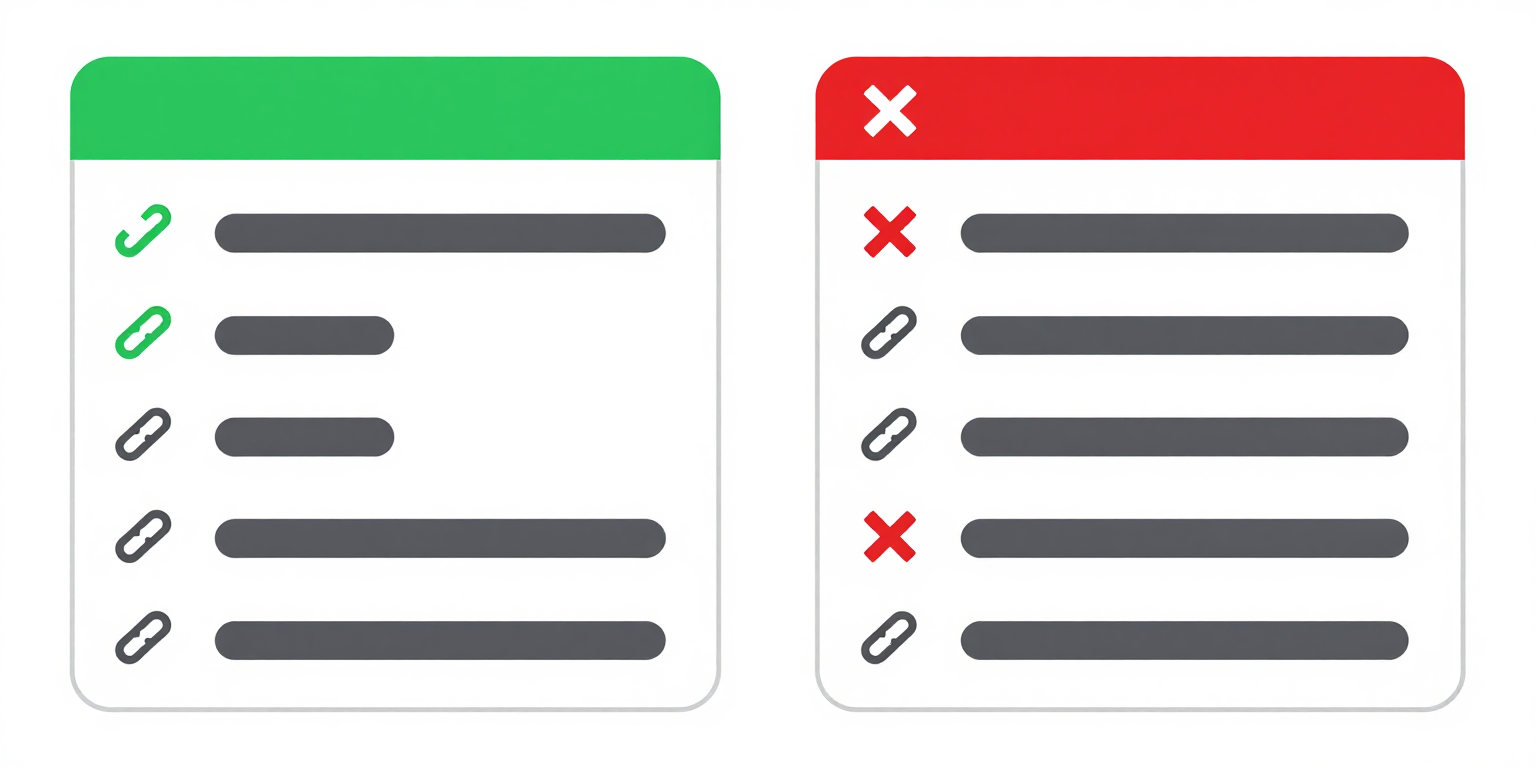
Examples
Learn more about our adult literacy programs.
View the 2024 annual impact report (PDF, 2.3 MB).
✔ Link text clearly describes the destination
<p>Learn more about our
  <a href="/programs">adult literacy programs</a>.
</p>
<p>View the
  <a href="/report.pdf">2024 annual impact report (PDF, 2.3 MB)</a>.
</p>To learn about our programs, click here.
For the annual report, read more.
✘ "Click here" and "read more" tell users nothing about the destination
<!-- FAILS: vague link text -->
<p>To learn about our programs,
  <a href="/programs">click here</a>.
</p>
<p>For the annual report,
  <a href="/report.pdf">read more</a>.
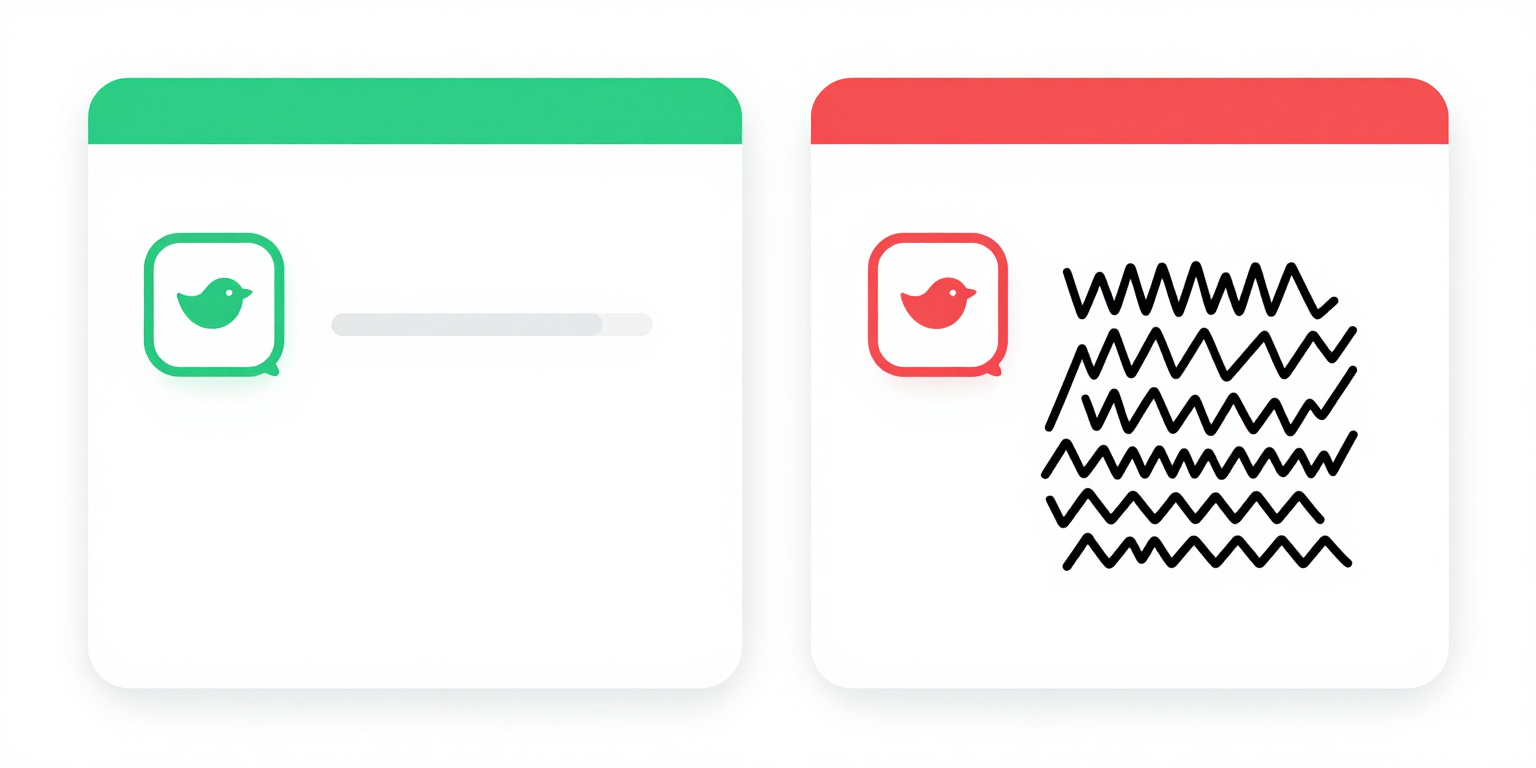
</p>✔ aria-label provides accessible name for icon-only link
✘ No aria-label, no text -- screen reader announces raw URL
How to Fix It
- Name the destination in the link text. Replace "Read more" with the title of the thing being linked -- "Read the 2024 annual impact report." This is the only fix that also satisfies 2.4.9 and also survives the link rotor, where surrounding context is stripped.
- If you keep generic link text, make the programmatic context load-bearing. 2.4.4 accepts disambiguation from the enclosing sentence, paragraph, list item, table cell, table header cell, or section heading[1]. A "Read more" at the end of a paragraph that names the article title passes; a "Read more" in a bare
<li>next to four other "Read more" items does not, because all five share the same parent list with no per-item header. - Give icon-only links an accessible name. For a link whose only child is an icon font glyph or a decorative
<img alt="">, addaria-labelon the<a>. For an<img>inside the link, the image'saltbecomes the link's accessible name and is sufficient on its own. For an inline SVG, add a<title>child or anaria-labelon the<a>. - Differentiate duplicated link text. When the visible text must repeat (a table of products each with a "Details" link), either make the link text unique ("Details: SKU 4402") or rely on the row header cell as the programmatically determined context -- which requires a real
<th scope="row">, not a styled<td>. - Do not use
titleas the fix. Thetitleattribute is announced inconsistently across screen readers, invisible to keyboard users, and never appears on touch. It is not a reliable accessible name source for 2.4.4.
References
- [1] W3C (2023). Understanding Success Criterion 2.4.4: Link Purpose (In Context). W3C, Accessed 2026-04-07. https://www.w3.org/WAI/WCAG22/Understanding/link-purpose-in-context.html ↩ ↩
- [2] WebAIM (2026). The WebAIM Million: An accessibility analysis of the top 1,000,000 home pages. WebAIM, Accessed 2026-04-07. https://webaim.org/projects/million/ ↩