CSS resets that apply outline: none globally suppress the platform focus ring for every focusable element without providing a replacement indicator.
2.4.7 Focus Visible
In Plain Language
2.4.7 Focus Visible (Level AA) requires that any keyboard-operable user interface has a mode of operation where the keyboard focus indicator is visible[1]. The browser's default focus ring -- the 1-2px platform-native outline drawn around the currently-focused element -- satisfies 2.4.7 on its own. The criterion only fails when authored CSS suppresses that ring without providing a replacement.
The dominant failure mode is a stylesheet rule like outline: none, outline: 0, or *:focus { outline: none; } applied to remove the default ring for mouse users, leaving keyboard users with no indicator of which element currently holds focus.
Why It Matters
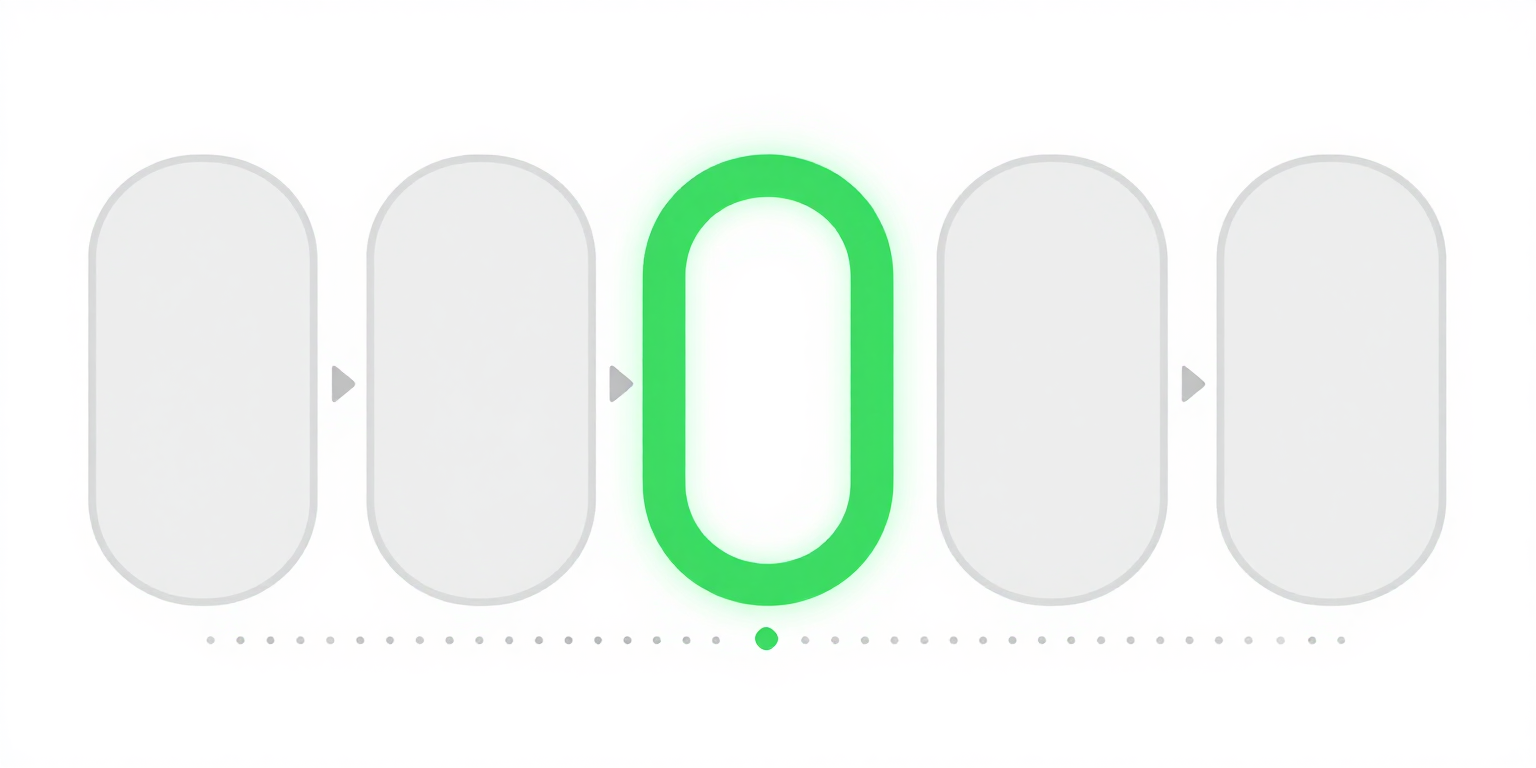
- Keyboard users track focus position visually. Without an indicator, pressing Enter or Space activates an element the user cannot see, and Tab traversal becomes guesswork.
- Switch-device users, head-tracker users, and users with motor disabilities who drive the browser via sequential focus all depend on the same visible indicator -- they have no pointer to fall back on.
- Popular CSS resets and component libraries ship global
outline: nonerules. A single line in a reset can strip focus visibility from every focusable element on the site. - The modern
:focus-visiblepseudo-class lets authors show focus indicators only when the browser's heuristic determines the user is navigating by keyboard, which removes the motivation to blanket-suppress:focusfor aesthetic reasons. - 2.4.7 is the minimum. WCAG 2.2 adds 2.4.11 Focus Not Obscured (Minimum) at Level AA and 2.4.13 Focus Appearance at Level AAA, which add stricter requirements on visibility under sticky headers and on the size and contrast of the indicator itself.
Examples
Try tabbing to this link: Learn more about our programs
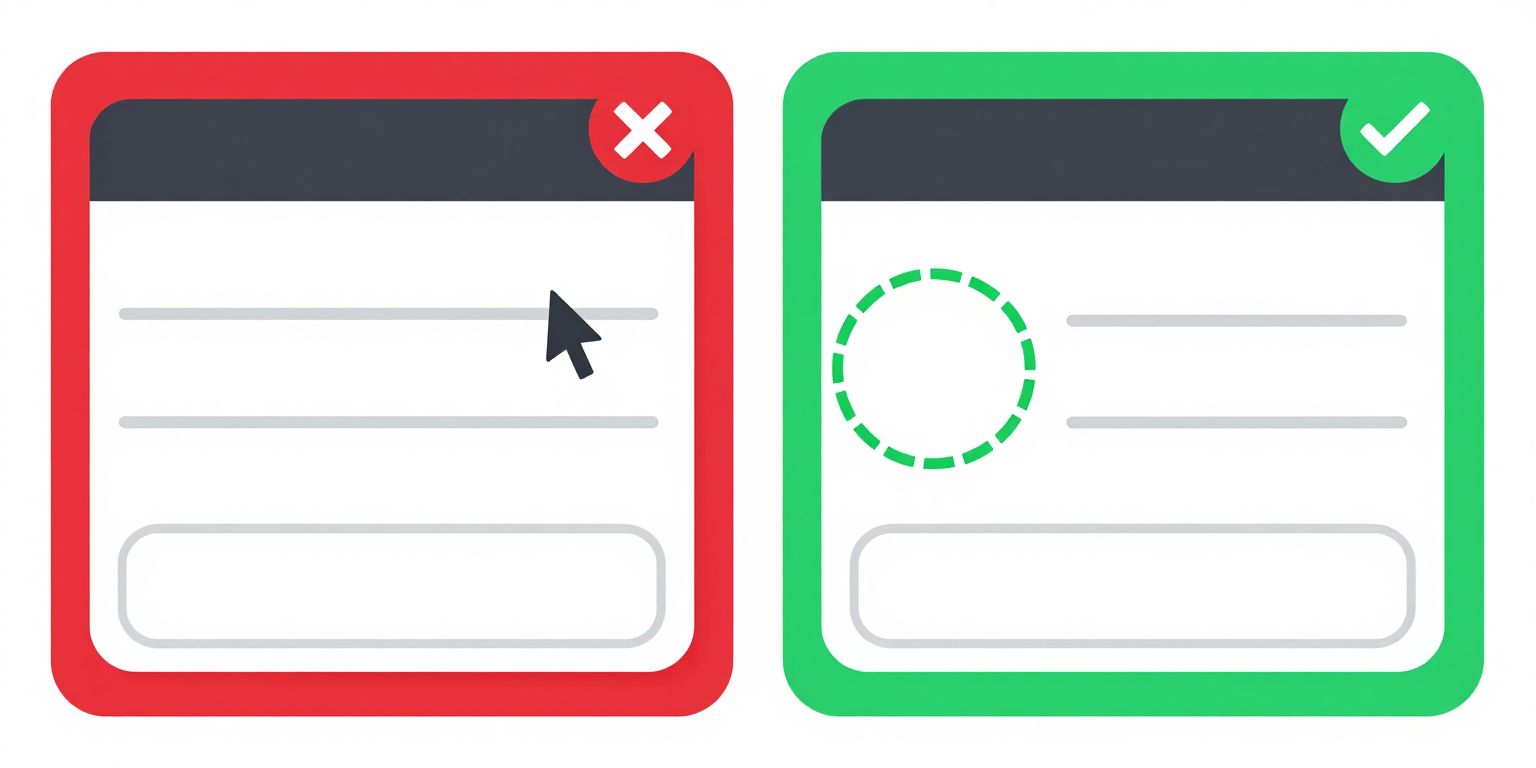
✔ Visible focus ring using :focus-visible -- only appears for keyboard users
/* Show focus ring only for keyboard navigation */
a:focus-visible {
  outline: 3px solid rgba(26, 107, 90, 0.5);
  outline-offset: 2px;
}

/* Do NOT do this without a replacement: */
/* a:focus { outline: none; } */Try tabbing to this link: Learn more about our programs
a:focus { outline: none; }
✘ Focus ring removed -- keyboard users cannot see which element is focused
How to Fix It
- Never suppress focus without a replacement. If you remove
outline, swap in another visible indicator on the same selector --box-shadow, aborderchange, abackground-colorchange, or a differently-styled custom outline. 2.4.7 is satisfied as long as some visible indicator remains[1]. - Prefer
:focus-visibleover:focus.:focus-visiblematches only when the browser's heuristic determines focus arrived via keyboard (or another non-pointer modality), so mouse click will not paint a ring on a button while keyboard Tab still will. This removes the aesthetic objection that motivates blanketoutline: nonerules. - Meet the stricter WCAG 2.2 criteria while you are here. 2.4.13 Focus Appearance (AAA) requires the indicator to be at least 2 CSS pixels thick around the component and to have a 3:1 contrast ratio against adjacent colors. 2.4.11 Focus Not Obscured (Minimum) (AA) requires that the focused element is not entirely hidden behind sticky headers, cookie banners, or chat widgets.
- Audit CSS resets and component libraries. Search the codebase for
outline:with valuenoneor0, and for any:focusselector that sets onlyoutlinewithout adding a replacement indicator. Global resets are the highest-leverage fix because they strip focus visibility from every focusable element at once. - Test keyboard-only. Unplug the mouse. Use Tab, Shift+Tab, Enter, Space, and arrow keys to move through every interactive element on the page. If you ever lose track of where focus is, the page fails 2.4.7.
References
- [1] W3C (2023). Understanding Success Criterion 2.4.7: Focus Visible. W3C, Accessed 2026-04-07. https://www.w3.org/WAI/WCAG22/Understanding/focus-visible.html ↩ ↩