WebAIM Million 2026 found 13.5% of one million home pages had a missing document language declaration, one of the six most common automatically detected failures.
3.1.1 Language of Page
In Plain Language
3.1.1 Language of Page (Level A) requires that the default human language of each page can be programmatically determined[1]. The mechanism is the lang attribute on the root <html> element, set to a valid BCP 47 language subtag -- <html lang="en">, <html lang="fr">, <html lang="zh-Hans">.
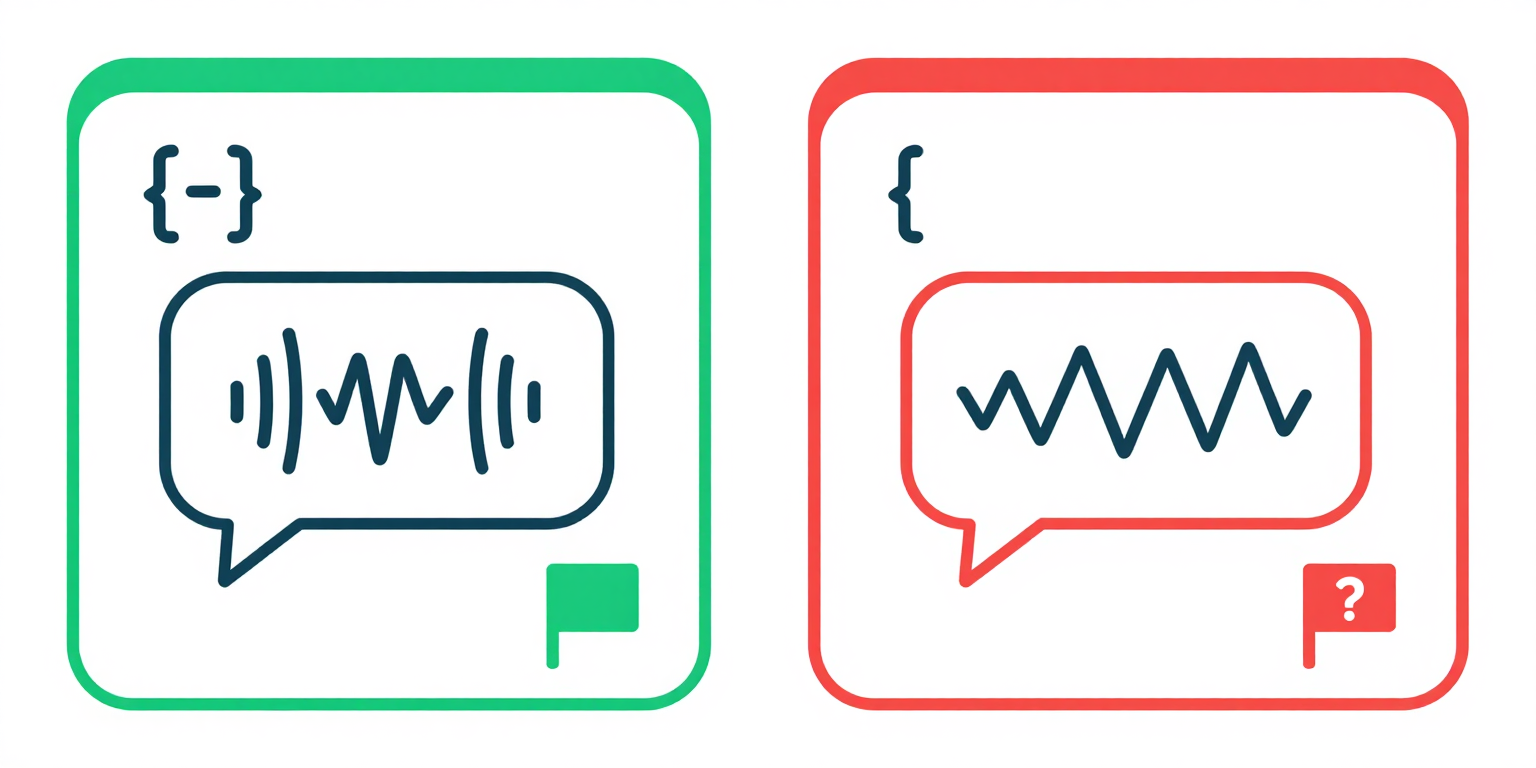
When the attribute is missing or empty, assistive technology has nothing to key its pronunciation engine off, and the page gets rendered with whatever voice the user's screen reader happens to be set to. French content spoken with English phonemes is unintelligible; Arabic content spoken with English phonemes is noise.
Why It Matters
- Screen readers load a phonetic engine per language. The
langvalue on<html>is what tells NVDA, JAWS, VoiceOver, and TalkBack which engine to activate. With nolang(orlang=""), NVDA falls back to the user's configured default voice, so a Spanish page read by a user whose default is English comes out as English phonemes applied to Spanish graphemes. - Browser-native translation (Chrome, Edge, Safari) and third-party translation tools read the
langattribute to detect the source language before offering a translation. Misdeclared or missing values suppress the offer or translate from the wrong source. - Typographic behavior keys off language: CSS hyphenation (
hyphens: auto), quotation mark selection via thequotesproperty, and font fallback for CJK, Arabic, and Indic scripts all use the declared language. - WebAIM Million 2026 found 13.5% of one million home pages were missing a document language declaration, listed among the six most common automatically detected failures[2].
Examples
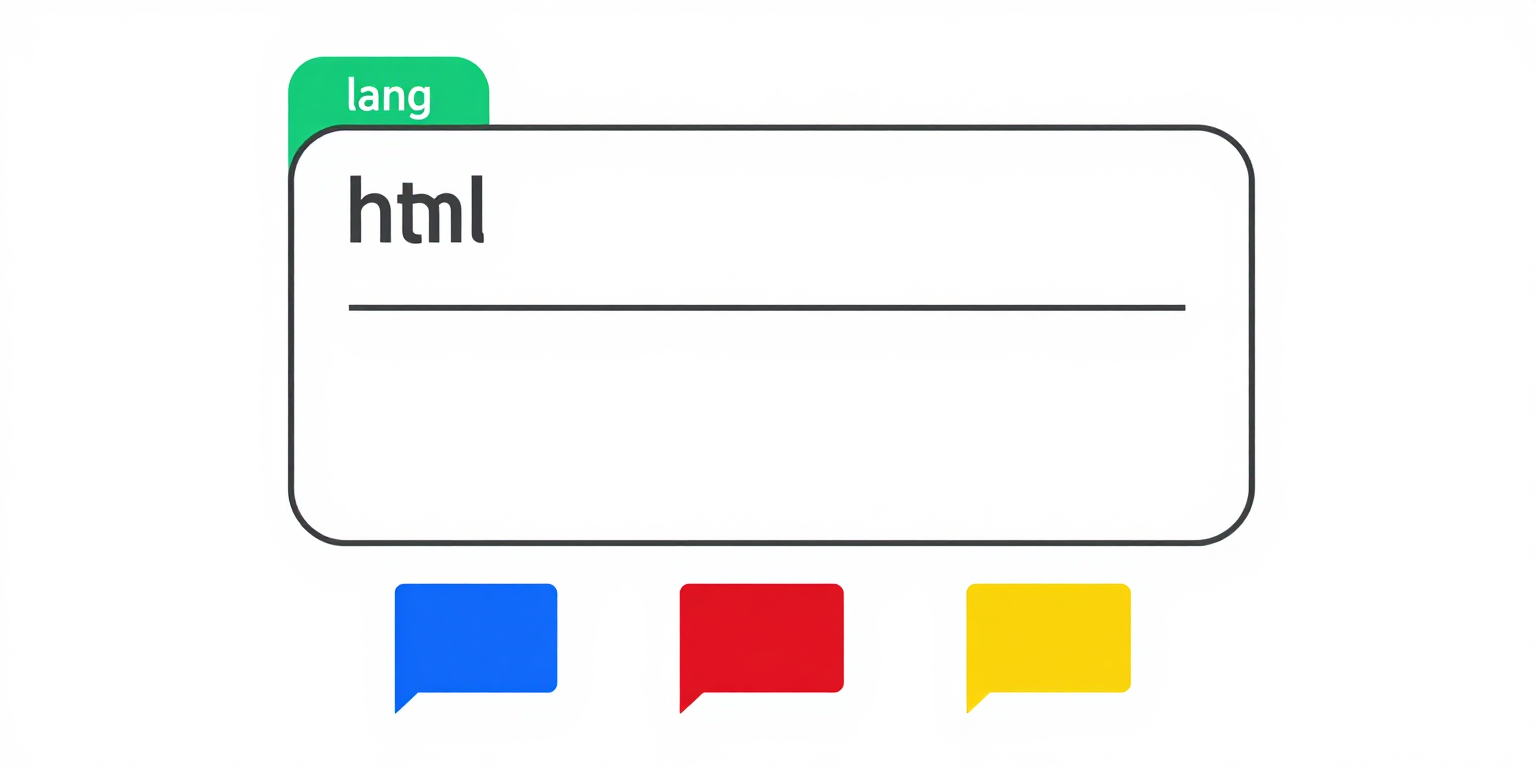
<html lang='en'> -- English
<html lang='es'> -- Spanish
<html lang='fr'> -- French
✔ Screen reader knows which pronunciation rules to use
<!DOCTYPE html>
<html lang="en">
  <head>...</head>
  <body>...</body>
</html><html> -- no lang attribute
✘ Screen reader falls back to the user's default voice
<html lang='javascript'>
✘ Not a BCP 47 language subtag -- treated as unknown
How to Fix It
- Set
langon the root<html>element using a BCP 47 primary language subtag:en,es,fr,de,ja,ar. Lowercase the primary subtag. Do not use full language names (english), encodings (utf-8), or script names (latin). - Add a region subtag only when it changes pronunciation or spelling in a way your content depends on:
en-USvsen-GB,pt-BRvspt-PT,es-MXvses-ES. Region subtags are uppercase by convention (en-US, noten-us). Unless you need the distinction, the bare primary subtag is fine. - Use a script subtag for languages with multiple scripts. Chinese Simplified is
zh-Hans, Chinese Traditional iszh-Hant, Serbian Latin issr-Latn, Serbian Cyrillic issr-Cyrl. The four-letter script subtag is title-cased. - Match the dominant language of the page. If the page mixes languages, pick the language used most frequently as the default; if usage is equal, pick the first language used[1]. Mark inline passages in a different language with
langon the containing element (for example,<span lang="fr">bonjour</span>) to satisfy 3.1.2 Language of Parts. - Do not set
lang="". An empty value explicitly declares the language unknown and fails 3.1.1 the same way a missing attribute does. If a server-side template is injecting an empty string, fix the template rather than leaving the attribute in place.
References
- [1] W3C (2023). Understanding Success Criterion 3.1.1: Language of Page. W3C, Accessed 2026-04-07. https://www.w3.org/WAI/WCAG22/Understanding/language-of-page.html ↩ ↩
- [2] WebAIM (2026). The WebAIM Million: An accessibility analysis of the top 1,000,000 home pages. WebAIM, Accessed 2026-04-07. https://webaim.org/projects/million/ ↩